Reconstruct your workday with private, offline time tracking
Kronolog makes your billable time unforgettable. Track your workday with scheduled screenshots, review what you worked on, and reconstruct billable hours offline and privately, without relying on a cloud-based service.
Available for macOS. Support for Windows and Linux is in development.
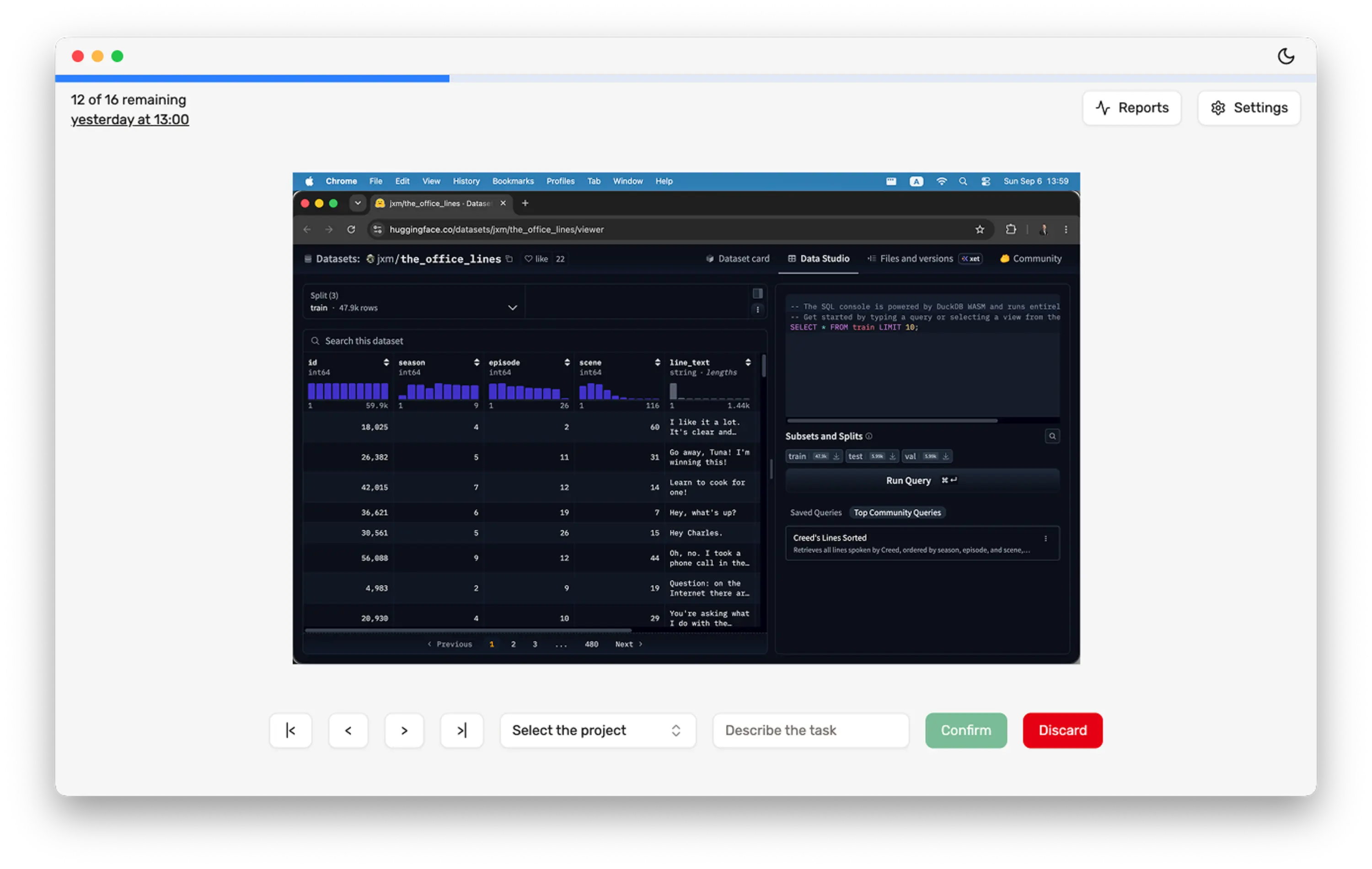
How screenshot-based time tracking works
Step 1
Capture on your schedule
Kronolog takes screenshots only when you want. Set up your unique schedule via a cron expression.
Step 2
Review later
When you sit down to log time, walk back through the day instead of reconstructing it from memory or a forgotten timer.
Step 3
Log and export
Label the productive blocks, then export the hours for invoices, reports, or your own records.
Why people love Kronolog
Stop guessing
Whether you invoice clients or keep internal time logs, a visual history beats a live timer you forgot to start. See what you actually worked on, then fill the timesheet.
Fully offline, always private
No account, no cloud, no telemetry. After a one-time activation, Kronolog runs fully offline. Your frames never leave your device.
Insightful, exportable data
Quick insights on reported time, plus exports you can drop into invoices, timesheets, or further analysis.
Not another time tracker
Regular time tracking software watches the clock while you work. Kronolog helps you remember the work when you sit down to log hours — for client invoices or your own records.
Typical tools
Live timers you have to start and stop all day
Kronolog
Screenshots on your schedule, so you can log time after the fact
Typical tools
Always-on monitoring built for managers and teams
Kronolog
A private tool for logging your own hours — no manager dashboard
Typical tools
Cloud accounts, data-sharing with third-party AI, and monthly subscriptions
Kronolog
Fully offline after activation, with a one-time lifetime license
Kronolog will not move to a subscription model. License includes all future updates. One license per device/platform. Terms apply.
Questions before you buy
Who is Kronolog for?+
Do the screenshots leave my computer?+
Why is Kronolog not on the Apple Store?+
What happens after I pay?+
What does a license cover?+
How do I get updates?+
Can I get a refund?+
What formats can I export?+
When can I download Kronolog for Windows or Linux?+
Still stuck? Email support or open an issue on GitHub.